VS Code extension
The Polyxd extension for VS Code, Cursor, VSCodium and Windsurf. The check as you type, a live preview in every design system, and the verifier a command away.
The Polyxd extension puts the check and the preview next to the document you're writing. You see a mistake where you made it, and the screen as it will look, without a server to start. It runs in VS Code, Cursor, VSCodium and Windsurf.
Install it#
Search for Polyxd in the Extensions view, or install it from the command line:
code --install-extension Polyxd.polyxd-vscode
- VS Code: Visual Studio Marketplace
- Cursor, VSCodium and Windsurf: Open VSX
To build it from the repository instead:
git clone https://github.com/visualfart/polyxd && cd polyxd
npm ci
npm run build -w @polyxd/core && npm run build:preview -w @polyxd/react
npm run package -w polyxd-vscode
code --install-extension apps/vscode/polyxd-vscode-0.3.0.vsix     # or: cursor --install-extension …
In Cursor, VSCodium and Windsurf you can also use Extensions → … → Install from VSIX.
What you get#
- The schema, without configuration. Files named
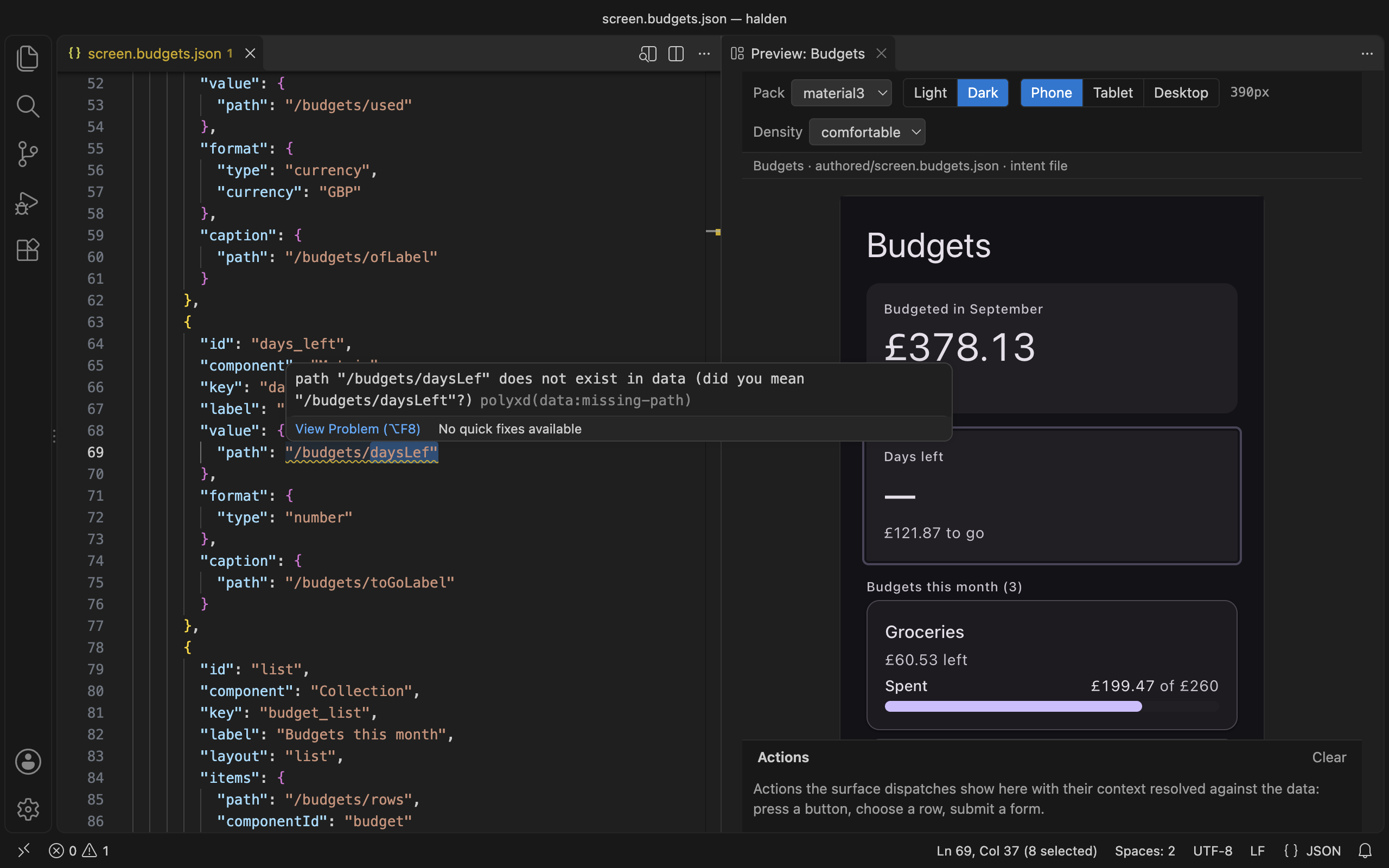
*.polyxd.json, or kept inauthored/,intents/orscreens/, get completion, hover text and squiggles from the spec's JSON Schema. The schema is bundled. An intent file is checked inside itsdocument. A file anywhere else needs only the$schemaline:"$schema": "https://polyxd.com/schema/0.3/ui.schema.json". - The static check as you type. The spec's validator runs on each edit and on save, against the document's own
dataor the<name>.data.jsonbeside it. A structural problem is an error. A binding that reads nothing is a warning with a "did you mean". Each one is underlined at its line. - A preview beside the editor. Run Polyxd: Open preview, or use the icon in a document's title bar. It renders with the real renderer, in any of the thirteen packs or your own (the
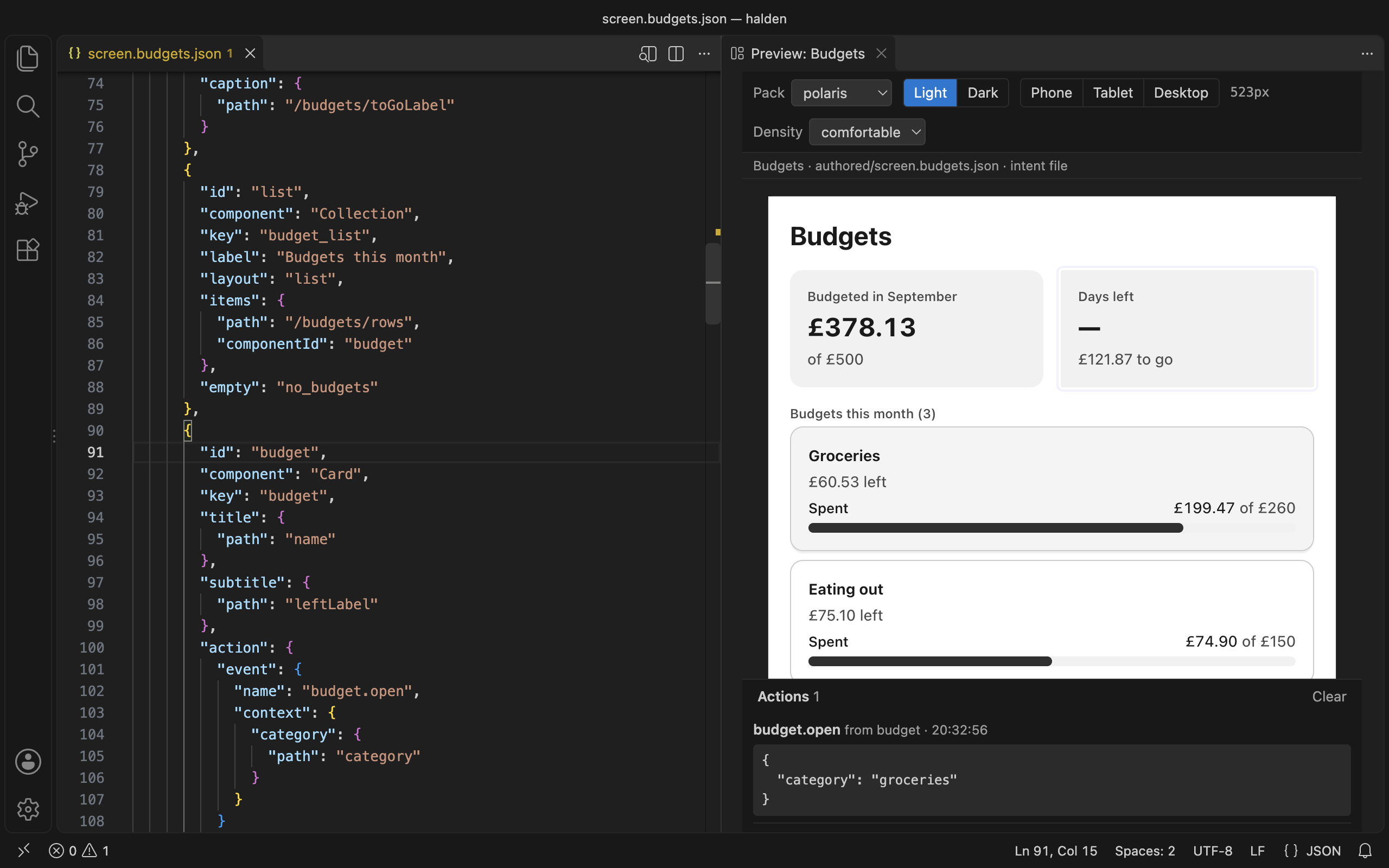
polyxd.packsetting takes amanifest.jsonor a theme stylesheet). Light or dark follows your editor until you pick one. Phone, tablet, desktop, or drag the edge. Compact to spacious. It updates as you type and keeps the surface mounted, so what you typed into an input survives a keystroke in the JSON. - Both ways between JSON and screen. Click a component in the preview and the cursor goes to its JSON. Put the cursor in a component's JSON and the preview outlines it.
- An action log. Actions the surface dispatches show under the preview, with their context filled in from the data.
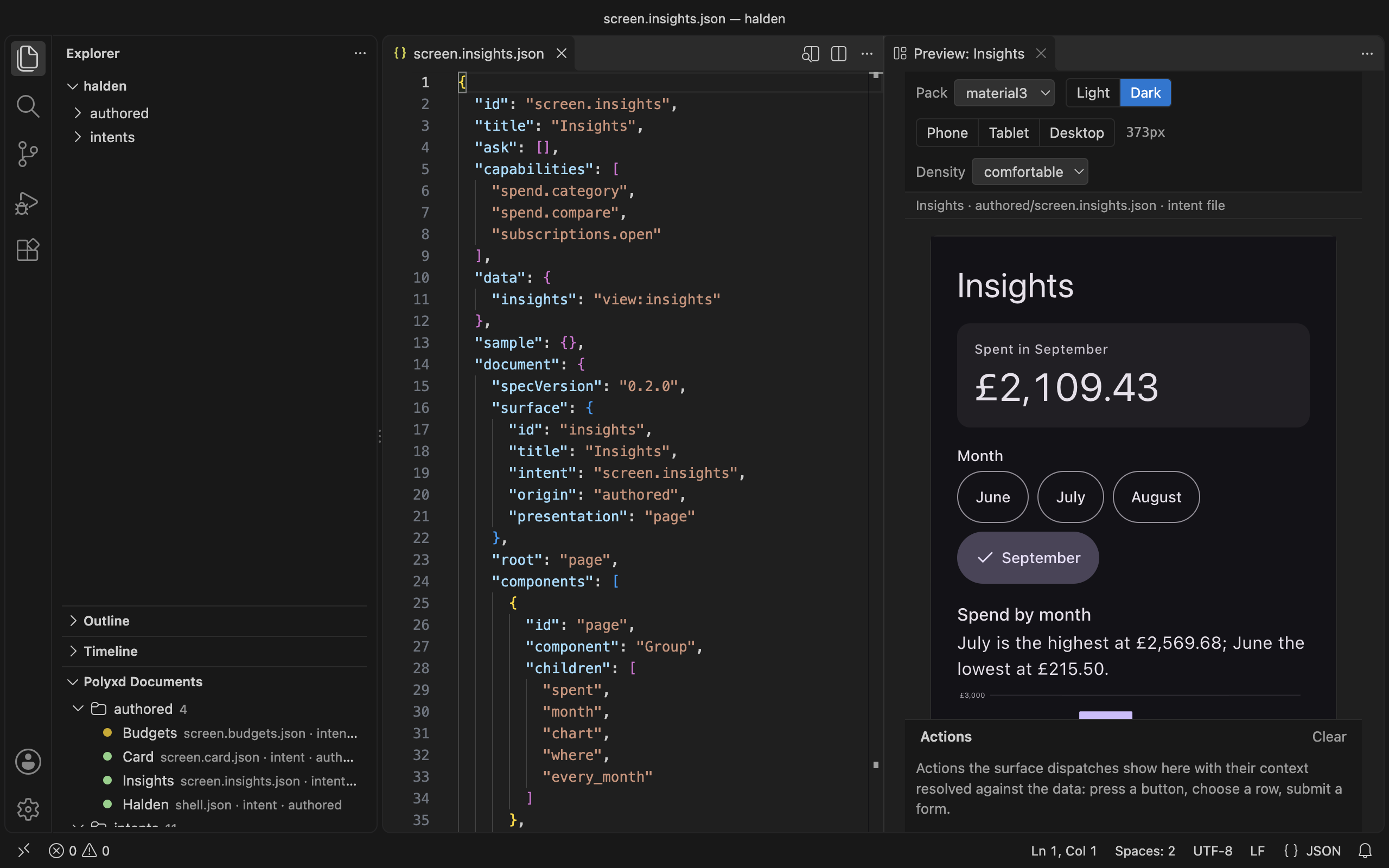
- Polyxd documents in the Explorer: every document in the workspace by folder, with the check's status as a dot.
Commands#
- Verify document runs
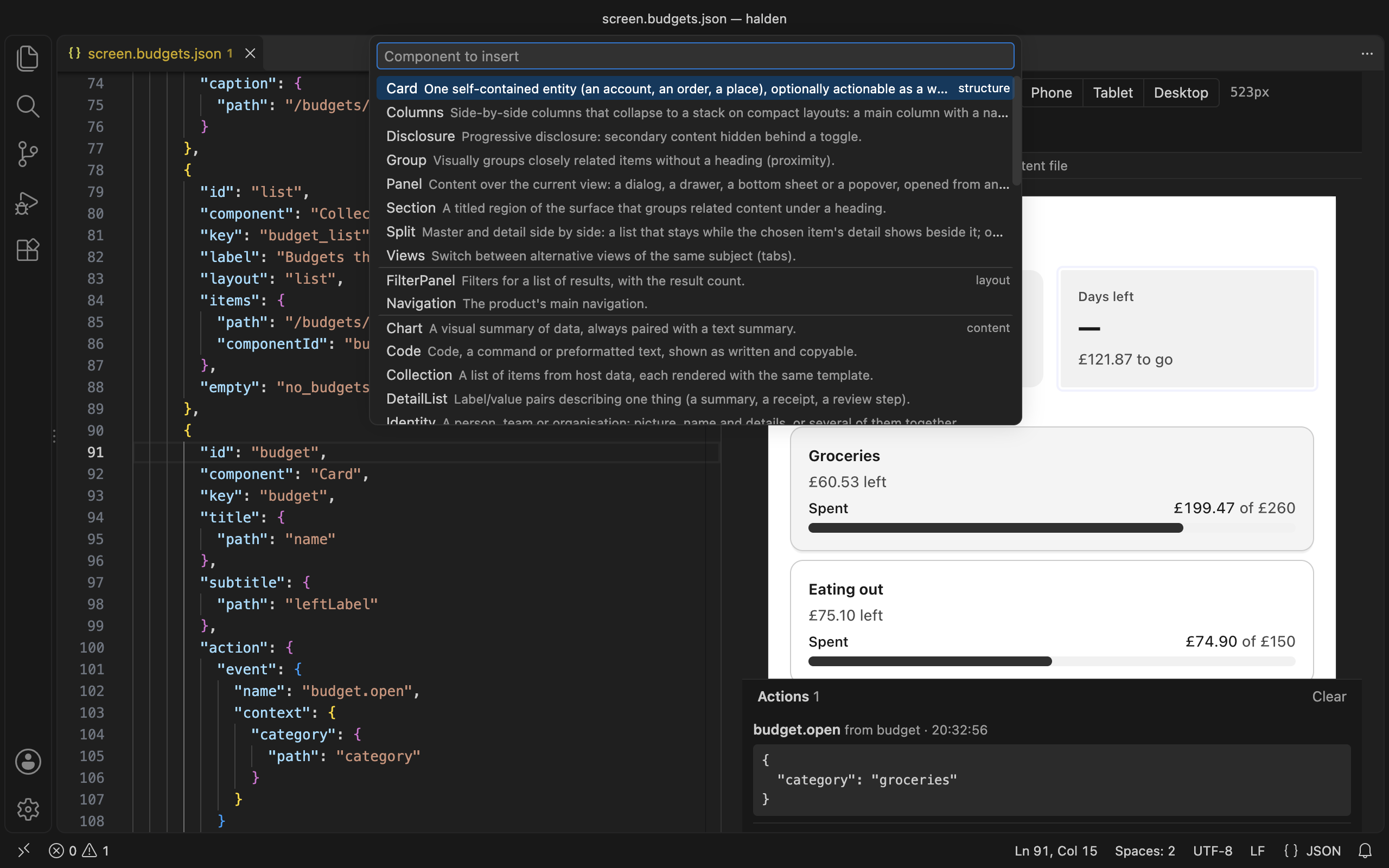
polyxd-verifyfrom your workspace in a terminal: every pack, light and dark, 390 and 1100 wide. Install it first withnpm install -D @polyxd/verifier playwright && npx playwright install chromium, or the command runs it throughnpx. See Verifier. - Insert component offers the 44 components by category, each with the spec's one-line summary. It drops a valid skeleton at the cursor with tab stops on the placeholders.
- Open in Studio copies the document and opens Studio, where "Paste JSON" makes a screen of it.
- Push to Studio runs
polyxd studio pushwith a key fromPOLYXD_STUDIO_KEYor the editor's secret storage (Set Studio API key). The key is never kept in a settings file.
Settings#
| Setting | What it does |
|---|---|
polyxd.defaultPack |
The pack the preview opens with. material3 unless you set it. |
polyxd.pack |
Your own pack for the preview's switcher: a manifest.json written by polyxd pack, or a compiled theme stylesheet. Relative to the workspace folder. |
polyxd.studio.workspaceUrl |
Your Studio workspace's API base, https://studio.polyxd.com/api/w/<workspace>, for Push to Studio. |
Privacy#
The extension collects no telemetry. The check and the preview run on your machine from files inside the extension. It reaches the network only when you ask: Open in Studio opens your browser, Push to Studio uploads the document to your workspace, and Verify document may fetch the verifier from npm. The preview shows images from https URLs your document names.
Without the extension#
npx polyxd dev ./screens gives you the same preview and check in a browser tab, for any editor. See Your design system.
Polyxd is an early preview. Found something unclear? It will get better with your feedback.